A Heavy Dose of Innovation: My First Config Experience
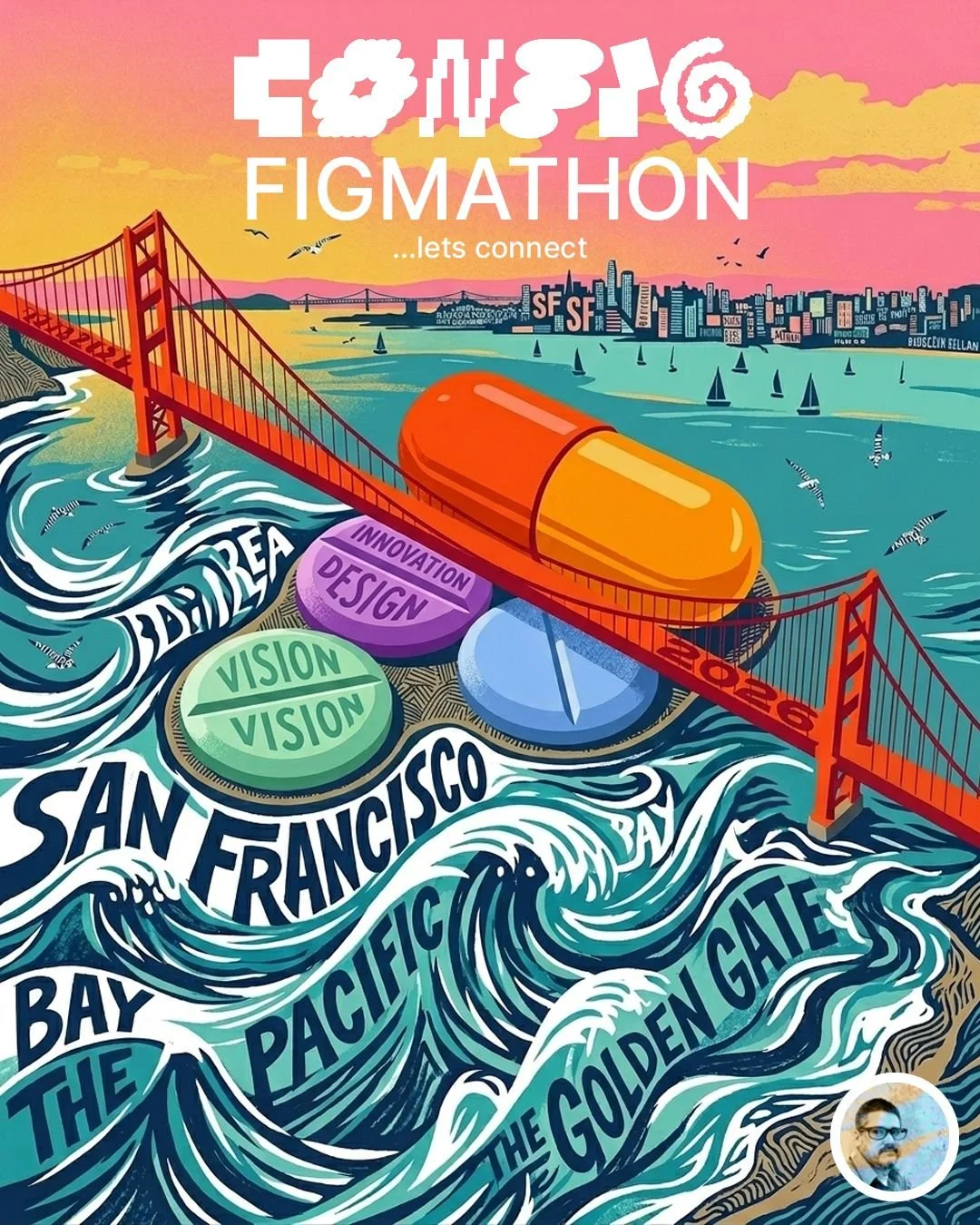
For those who follow me and were aware of what happened at the February workshop with the Miami Figma Friends, the time has finally come to head to Config 2026.
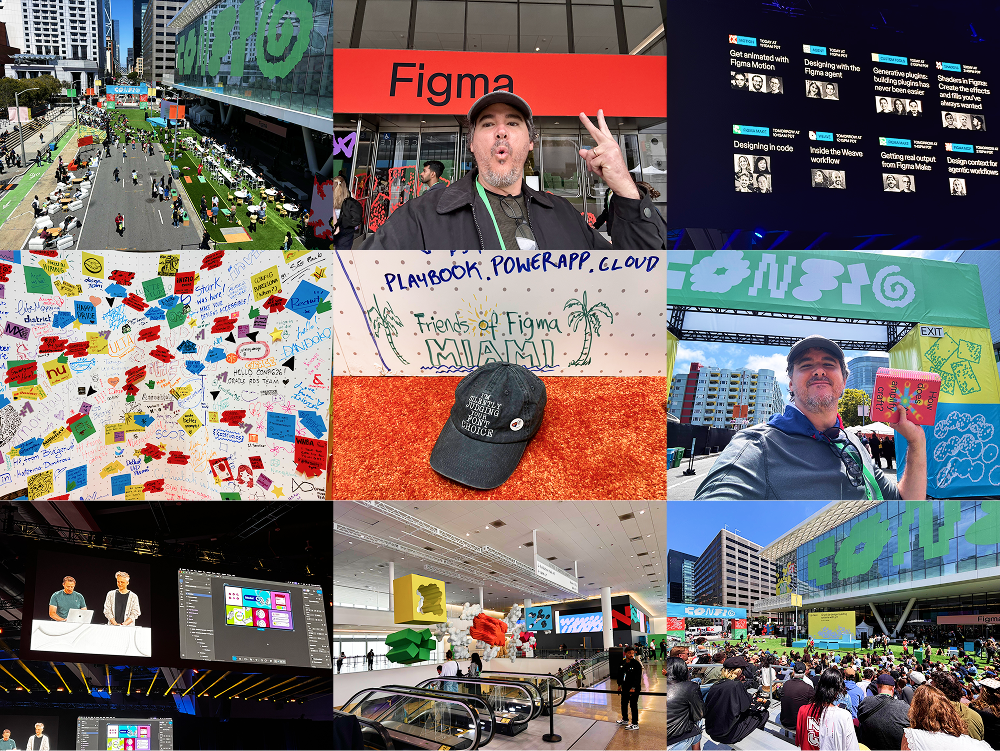
Day 1:
First thing in the morning, it was impossible not to notice the rising tide of people heading toward the event. Walking into the Moscone Center for my very first Config, the sheer scale of the energy was impossible to miss. But as the keynotes unfolded, a distinct realization hit me: I wasn't just attending a design conference; I was witnessing the official end of the era of simply drawing static vector boxes in Figma. Config 2026 made it completely undeniable that we aren't just pushing pixels anymore—we're building living, breathing software right on the canvas. As someone who loves pushing the boundaries of what a prototype can do, seeing the line between design and code break down right in front of me felt like the perfect, massive leap forward to kick off my first time here.
1. Native Figma Motion: The Timeline Arrives
For years, advanced prototyping in Figma meant wrestling with complex smart-animate hacks, multiple variant states, or moving the entire project over to third-party tools just to tweak easing curves.
No more. Figma Motion brings a native timeline and keyframes straight into the design file.
The Workflow: You can build out highly precise, expressive animations with custom spring physics and easing curves.
The Deliverable: Because it ships dev-ready with real MP4, GIF, and SVG export, it bridges a massive gap between creative vision and engineering execution.
2. Bridging the Final Gap: Code Layers
This was arguably the most talked-about announcement of the conference. Figma introduced Code Layers (currently in closed beta), allowing us to work with real, live code right on the canvas.
Instead of just handing off static components with CSS inspection, you can convert design layers directly into code layers, edit natively, and push production-ready code straight to repositories like GitHub.
It's a massive shift that prevents teams from bypassing the design handoff entirely in an AI-driven environment.
3. Shaders & Visual Expression
Figma is unlocking serious visual depth with Custom Shader Effects and Fills driven by WebGPU.
We can now prompt the Figma agent to build complex mesh gradients, lens distortions, and stackable visual effects directly on elements.
These aren't static image fills; they use Figma's UI as native properties and render in real time, giving us high-fidelity creative control over UI textures without killing file performance.
4. Prompt-to-Tool: Generative Plugins
Instead of spending days building or searching the community for niche micro-tools to automate a tedious workflow, Config introduced Generative Plugins.
You can now chat with the Figma agent, describe the exact tool or automated workflow you need inside your file, and the agent builds it as a reusable plugin on the spot.
No coding or separate deployment required—and the plugin stays accessible to any collaborator on that specific file.
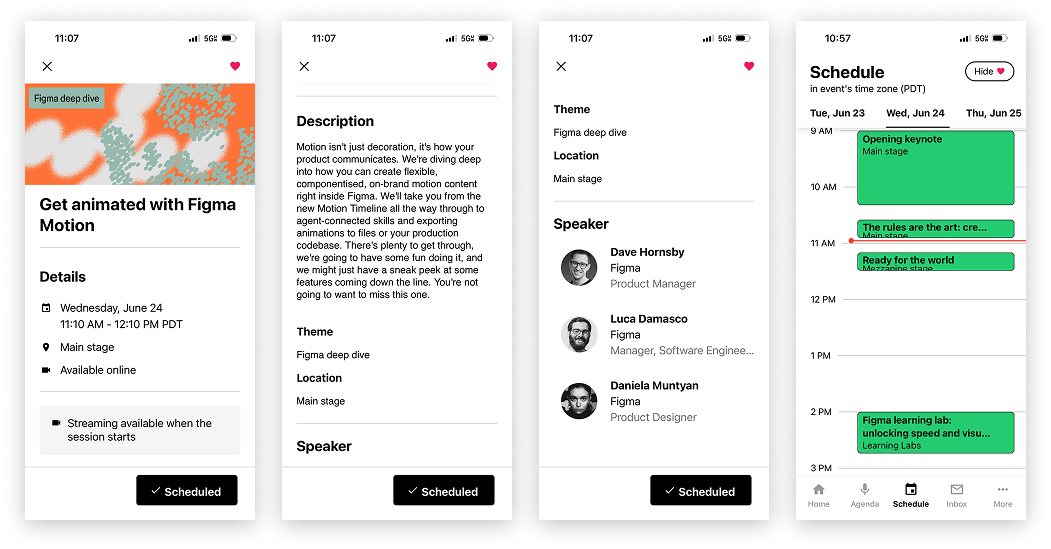
A quick look at the Config app, showing how easy it is to view a session's details and track your daily schedule.
Day 2:
After a multiple session attendance, one thing has become clear: design is not dead. There is a huge community determined to dedicate itself to it. I’ll stick with Patrick Flaherty’s words: "Design with conviction." ✌️
People leaving at once the Moscone Center after the Config close keynote.
The Takeaway: What This Means for Designers
Config 2026 proved that the most valuable part of design isn't just the place where we draw pixels—it's how those design decisions survive and translate into the actual live product.
By bringing advanced motion timelines, WebGPU expression, and code-native layers under one roof, Figma is ensuring that the design canvas remains the ultimate collaborative center for product development. The line between "designer" and "builder" hasn't just blurred; it’s being completely rewritten.
It remains to be seen how the community will react and how it will respond to such good vibes. We will all be watching closely to witness a surge in creativity and experimentation as these doors are thrown wide open. Heading back to Miami with so much fresh energy, excited to keep growing and evolving with Figma by my side.
I found this interesting article at last minute. Rethinking Figma in Ai world, at Medium.